Gate KYC uses a passport, national ID card or driver's licence plus face recognition: on the web, click your avatar at the top right and choose Identification; in the app, go to Profile → KYC (Identity Verification). Gate says automatic review usually finishes within minutes and can take up to 1 business day; its app guide adds that a manual review can take 24 to 48 hours. Without KYC you cannot deposit or withdraw crypto on-chain or trade fiat (compiled from the Gate help center, checked 2026-10-17).
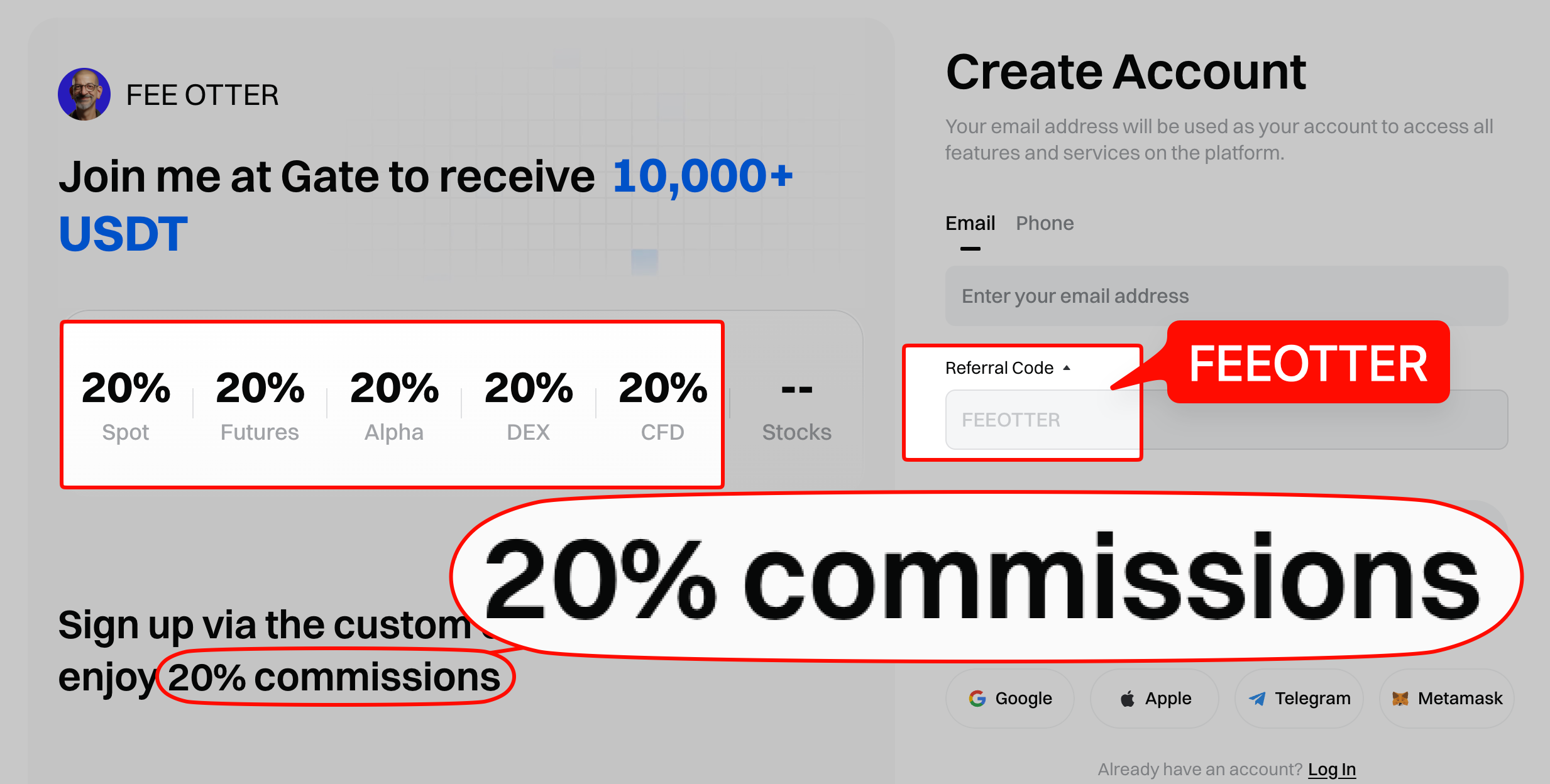
This guide is based on Gate's help center articles on KYC and withdrawals and its official announcements: which features require KYC, document and photo requirements, the web and app steps, rejection reasons, KYC levels and withdrawal limits, and why you still wait 24 hours to withdraw after verifying. KYC decides which features you can use and how much you can withdraw. Your rebate depends on the referral code: sign up with our code FEEOTTER and bind through Fee Otter for a 70% Gate futures rebate (20% automatic exchange rebate + 50% extra rebate), 3.5 times a common 20% code.
Key points
- It is required: Gate's announcement says users must complete KYC before they start trading, with KYC1 as the baseline.
- Documents: your own passport, national ID or driver's licence; photos in JPG or PNG, larger than 10 KB and no larger than 4 MB.
- Review time: automatic review usually takes minutes, up to 1 business day; manual review can take 24 to 48 hours.
- Address verification: optional after identity approval, with a utility bill or bank statement if asked; it raises account privileges.
- Wait 24 hours after: withdrawals pause for 24 hours after your first KYC.
Is KYC mandatory on Gate?
Gate's 2023 clarification on its KYC measures says all customers must complete KYC procedures before they begin trading and that mandatory KYC1 requirements apply; verification has different levels based on risk, and at KYC1 some products, transactions and withdrawal amounts remain restricted.
Gate's app identity verification guide lists what you cannot do without KYC:
- deposit or withdraw crypto on-chain;
- trade fiat;
- join Startup subscriptions and some platform activities.
Opening a futures account also requires KYC first; see the Gate futures guide.
Documents and photo requirements
From Gate's web identity verification guide:
- Documents: a passport, ID card or driver's licence in your own name; accepted documents vary by country or region, so follow the on-page instructions.
- Files: JPG or PNG, larger than 10 KB and no larger than 4 MB.
- Photos: clear and complete, with no obstruction, glare, watermarks or smudges.
- In person: the document holder must complete verification personally, using their own document.
The name, ID number and other details you enter must match the document exactly; a mismatch is one of the rejection reasons Gate lists.
KYC steps on the web
- Log in, click the avatar at the top right, choose Identification, then click Verify Now.
- Choose residence, nationality and ID type in that order, then click Next.
- Pick one method:
- Mobile phone: scan the QR code, photograph the document and do face recognition on the phone, then return to the web page, enter your details and submit.
- Web: tick the consent statement, click Start, upload document photos, do face recognition, enter your details and submit.
- Gesture recognition: if face recognition keeps failing, choose gesture recognition and upload document photos plus a gesture photo.
- (Optional) Address verification: click Verify Now, enter your address and upload a utility bill or bank statement if asked.
Gate estimates the whole process at 5 to 10 minutes. The result is usually sent by email; "Under Review" means you are still waiting.
KYC steps in the app
- Log in to the Gate app, tap the profile icon at the top left, then Profile → KYC (Identity Verification) → Verify Now.
- Enter residence, nationality and ID type, tap Next, then I'm Ready.
- Upload your document as prompted, complete face recognition, and check the recognised name and ID number; fix anything wrong before tapping Next.
- After identity approval, tap Verify Now under Address Verification, enter your address and submit.
How long does review take, and why do applications fail?
The web guide says automatic review usually finishes within minutes and can take up to 1 business day; the app guide says usually a few minutes, with manual review taking up to 24 to 48 hours. If you fail, you get a notice with the reason and can resubmit. The reasons Gate lists:
| Reason | What to do |
|---|---|
| Blurry or incomplete document photo | Retake with all four corners in frame and no glare |
| Expired document | Use a document that is still valid |
| Details do not match the document | Correct them to match the document exactly |
| Face recognition failed | Use good light, remove masks or hats, or switch to gesture recognition |
| "Not the account holder" message | The document holder must verify in person |
If the page stops responding, Gate suggests checking your connection, refreshing, trying another browser or verifying in the app.
KYC levels and withdrawal limits
Gate's global help center does not publish a table of limits per KYC level. Its beginner FAQ says your daily withdrawal limit depends on VIP level and KYC status; the per-level figures sit in the "24h Withdrawal Limit" column of the official fee page, which only loads in a browser and was not retrieved in this check.
Gate EU's withdrawal limit page gives one set of figures you can use as a reference (per 24 hours, reset daily at 15:00):
| Level | 24-hour withdrawal limit (USDT) |
|---|---|
| Initial | 100,000 |
| KYC1 | 2,000,000 |
| KYC2 | 5,000,000 |
| KYC3 | 8,000,000 |
That is the EU page; on the global site, the limit shown on your own withdrawal page is what applies. Separately, withdrawals the risk system flags as suspicious show "KYC Required" and need advanced identity verification, with a manual review that generally takes about half an hour (official explanation). For VIP levels, see Gate VIP levels.
Why wait 24 hours to withdraw after KYC?
Gate's withdrawal FAQ says withdrawals are paused for 24 hours after first-time KYC, changing Google Authenticator or updating your phone number; if you are still blocked after 24 hours, open a ticket. If you plan to cash out, finish KYC early rather than when you need to withdraw. Withdrawal fees, USDT networks and wrong-network deposits are covered in Gate deposits and withdrawals.
How many Gate accounts can one identity verify?
We found no official Gate help center article on how many accounts one document can verify or on transferring KYC to a new account, so check with support. If you want to move to a new account to get a rebate, start with the Gate rebind guide; KYC transfer rules across exchanges are in KYC identity transfer and rebates.
Restricted regions: KYC from an unsupported country will not work
Gate's Restricted Locations page lists places it does not serve, including the United States, mainland China, Singapore, Canada, France, Germany, Hong Kong, Malaysia, Malta, the United Kingdom, the Netherlands, Spain, Austria, Japan, South Korea, Indonesia, Thailand, India, Cambodia, the UAE and Argentina. It says the list is "not limited to" these and may change without notice (checked 2026-10-17). For licensing by country, see exchange licences by country.
Does KYC affect your rebate?
Your rebate rate depends on the referral code used at sign-up and your UID binding, not on your KYC level; binding needs only your UID, never an API key. Rebates apply only to trading fees. Gate's referral code can only be entered at sign-up, so if you have not registered yet, use code FEEOTTER (steps in how to register on Gate), then submit your UID on the Fee Otter rebate platform. KYC requirements across exchanges are compared in exchange KYC compared.
 Telegram · @feeotter